
 Tablet Imprint Finder
Search the letters or numbers stamped on a tablet to see which official product they belong to.
Table of contents7 sections
What this tool does
The Tablet Imprint Finder searches official manufacturer product descriptions (U.S. FDA labels via openFDA) for the letters and numbers stamped on a tablet or capsule, showing which product the imprint belongs to and the official description of colour, shape and markings.
Source: openFDA drug labels (U.S. products). Locally made versions may carry different imprints. A matching imprint does not prove a tablet is genuine.
How to use it
- 1
Read the imprint
Use good light; note letters and numbers on both sides.
- 2
Search one side first
Type the clearest side, e.g. 'VLE 155'.
- 3
Compare the description
Check colour, shape and coating match your tablet.
- 4
Open the official label
DailyMed links show full labels and often pack photos.
Coverage
openFDA covers products marketed in the United States, including many multinational brands also sold in Pakistan. Locally manufactured versions may carry different imprints, so no match is not evidence of a fake.
Using it with other checks
An imprint that matches a different medicine from the one on the pack is a strong warning sign. Combine with the batch alert check and the pack checklist.
Questions about this tool
My tablet has no imprint. Is it fake?
Not necessarily. Many genuine tablets have no imprint. Compare with a previous genuine pack instead. See also: Counterfeit drugs in Pakistan.
Can I identify any loose pill?
Only if its imprint appears in the official database. Never take an unidentified loose pill. See also: Counterfeit drugs in Pakistan.
Related guides
 Spotting fakes
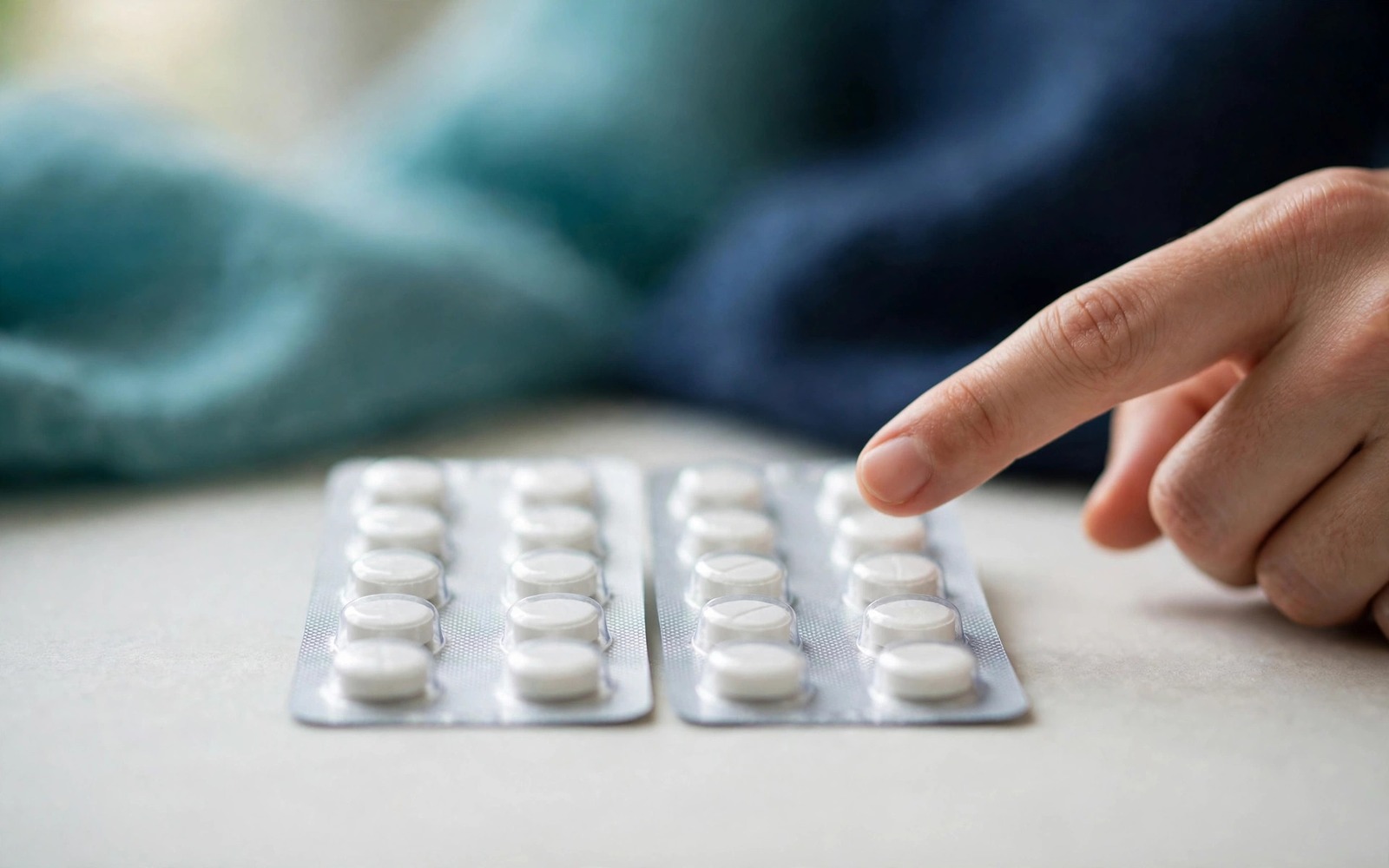
How to Identify Fake Medicine: A Complete Visual Checklist
A step-by-step inspection routine for packaging, print quality, seals and the tablets themselves — the same checks pharmacists use.
8 min read
Spotting fakesFake Antibiotics in Pakistan: Augmentin, Velosef, Cefixime and How to Check
Why antibiotics are a top counterfeit target, which 2026 batches DRAP flagged, and the checks that matter before you start a course.
6 min read
 Basics
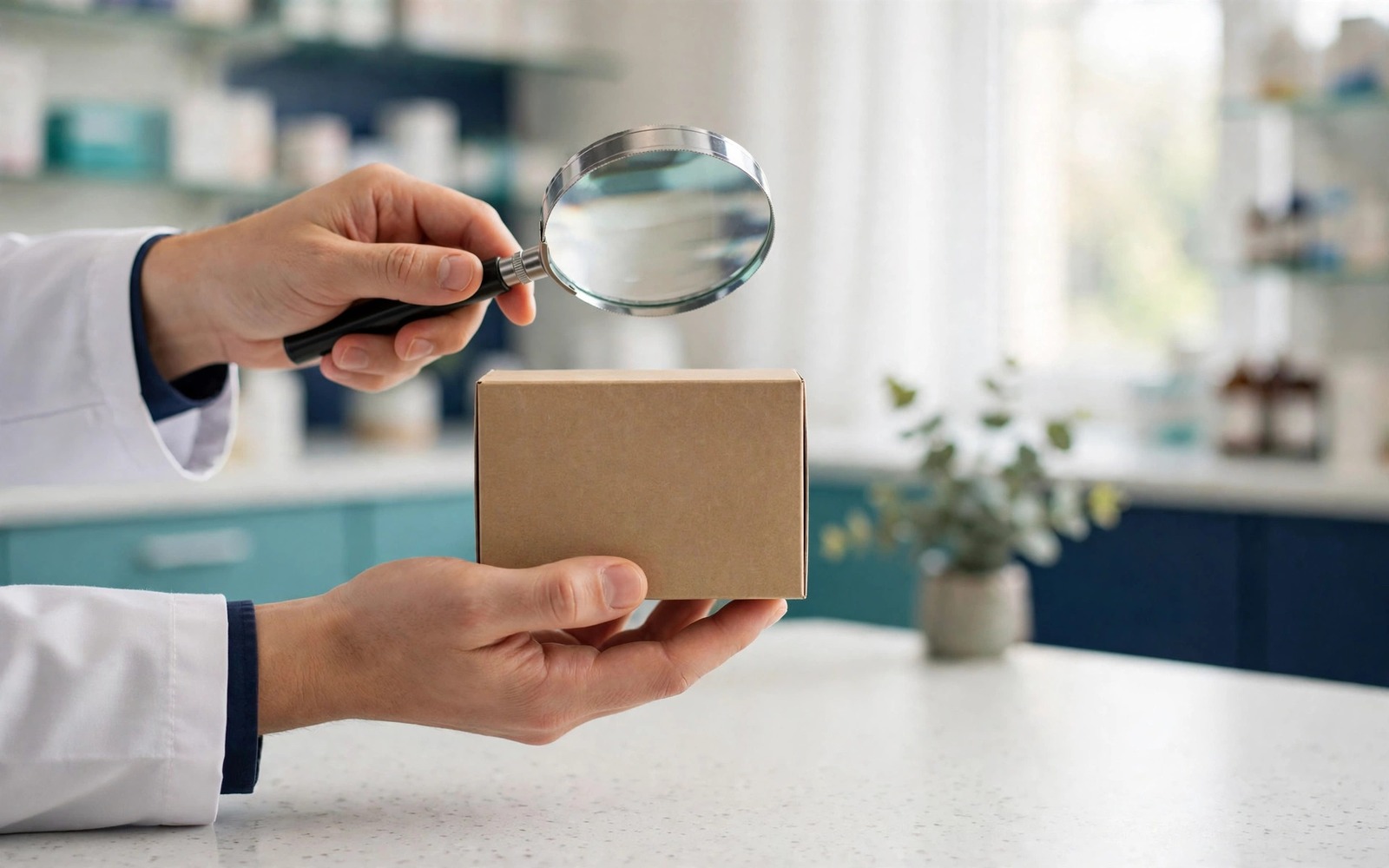
What Does 'Spurious Medicine' Mean? DRAP Terms Explained
Spurious, falsified, counterfeit, substandard, adulterated, misbranded: plain-English definitions of the words used in Pakistani drug alerts.
4 min read
Topic hub
Counterfeit & Substandard Medicines
What fake, spurious and substandard medicines are and how they are caught.
- Counterfeit drugs in Pakistan ★
- Spurious medicine meaning
- Substandard vs falsified
- Drug testing laboratories
- Smuggled medicines
- Fake injections & vaccines
- Original supplements check
- Fake medicine checklist tool
- Tablet imprint finder (this page)
Related topics