01
The carton
The outer box, not just the strip. The 2D code and serial are almost always printed on the carton's side or end flap.
Pakistan's Medicine Verification Platform· Independent, not part of DRAP
DRAP helpline: 0800-03727 Alerts updated Nov 11, 2026
Official portal walkthrough
drugtrace.dra.gov.pk is the Drug Regulatory Authority of Pakistan's public website for checking serialised medicine packs. This walkthrough shows exactly what to enter, how to read each result and what to do next.

Quick answer
To use drugtrace.dra.gov.pk, open the site on your phone or computer, scan the 2D DataMatrix code on the carton or type the serial number (SN) printed beside it, then compare the product name, batch and expiry the portal returns with the pack. Any mismatch, or a 'not found' result on a serialised pack, should be reported to DRAP on 0800-03727.
Before you start
The portal checks one pack at a time using its serial number. Gather these before you begin. Not sure where to look? Our guide to reading batch numbers and expiry shows every common layout.
01
The outer box, not just the strip. The 2D code and serial are almost always printed on the carton's side or end flap.

02
A long letter-and-number string next to the 2D code, often labelled SN or Serial. It is different from the batch number.
03
A phone camera lets you scan the code directly; on a computer you can type the serial by hand.
04
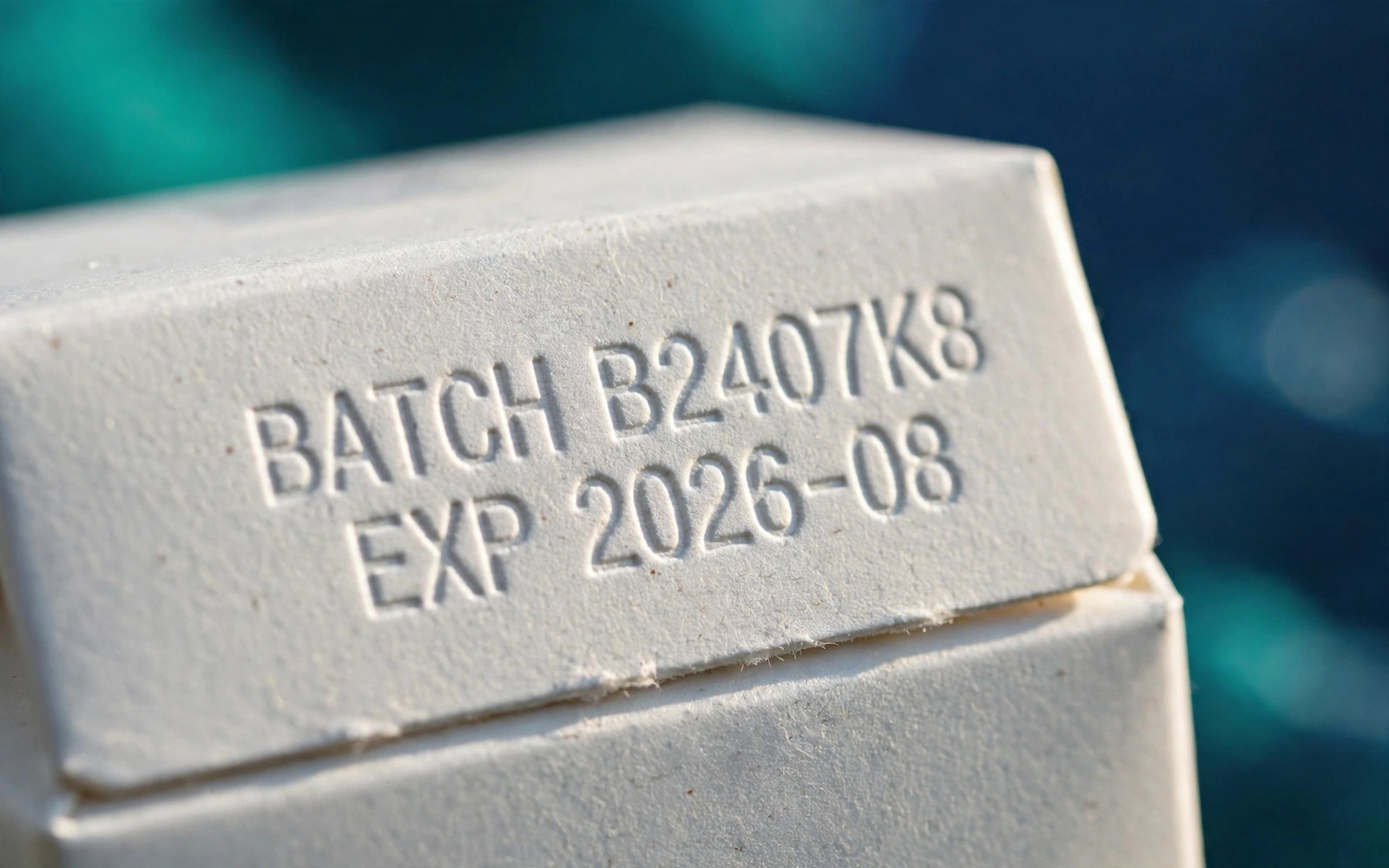
Keep B.No and Exp handy to compare with what the portal returns. A mismatch is the most important red flag.

05
Pharmacy name, date and receipt. You will need them if the pack fails and you report it.
06
Run our batch alert check too, so you also catch batches DRAP has already declared fake.
Step by step
Type drugtrace.dra.gov.pk directly into your browser. Do not follow links from social media or WhatsApp; look-alike sites exist. The official domain always ends in .dra.gov.pk.
On a phone, allow camera access and point it at the 2D DataMatrix code. Otherwise type the serial (SN) exactly as printed, without spaces.
Do not stop at a green tick. Check that the product name, strength, batch and expiry match your carton exactly.
If anything is wrong, stop using the medicine, keep the pack and receipt, and report it to DRAP. If everything matches, finish with the pack checklist.
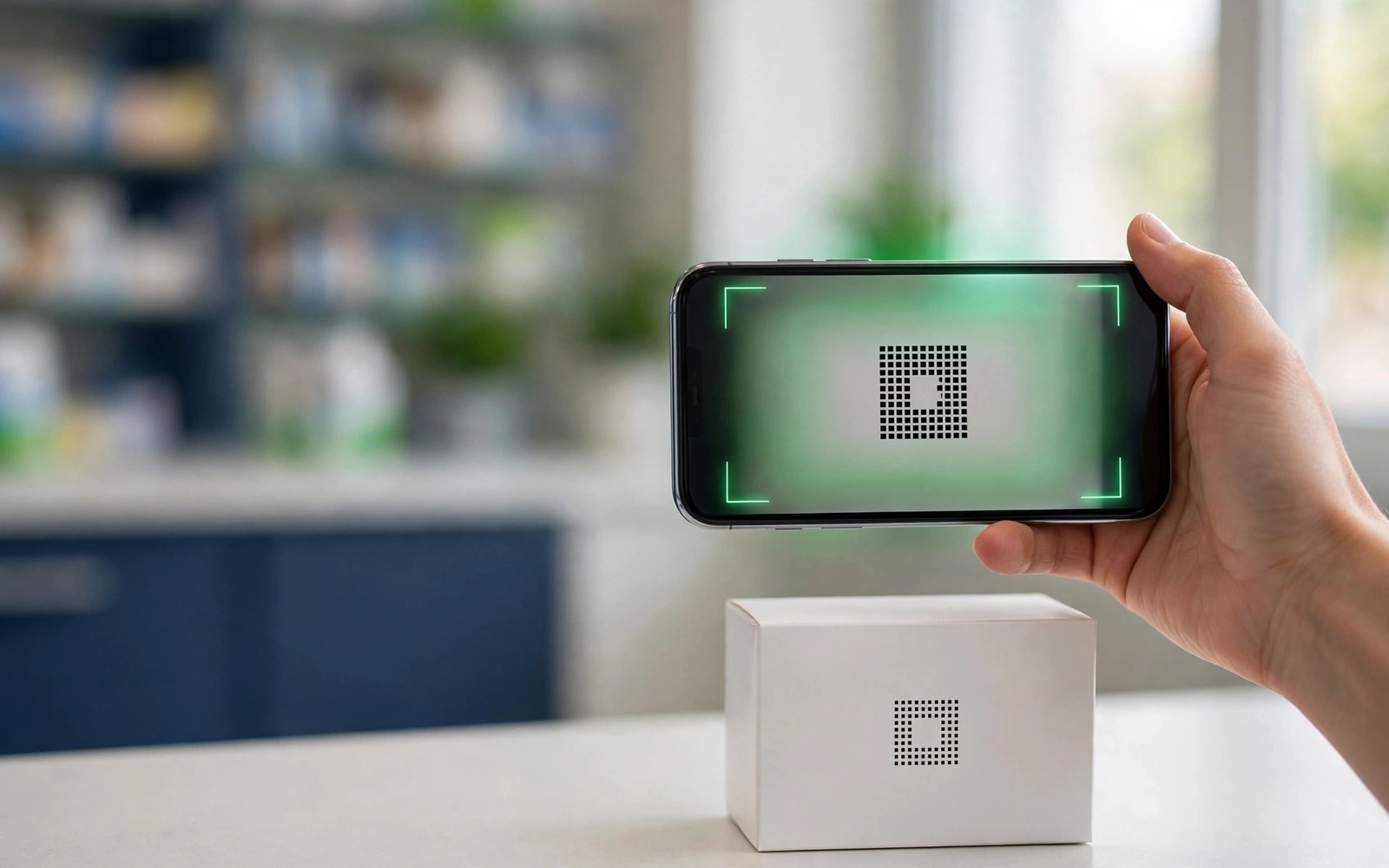
The exact wording of portal messages can change as DRAP updates the system, but results fall into a few categories. What matters is whether the details shown match the pack in your hand.
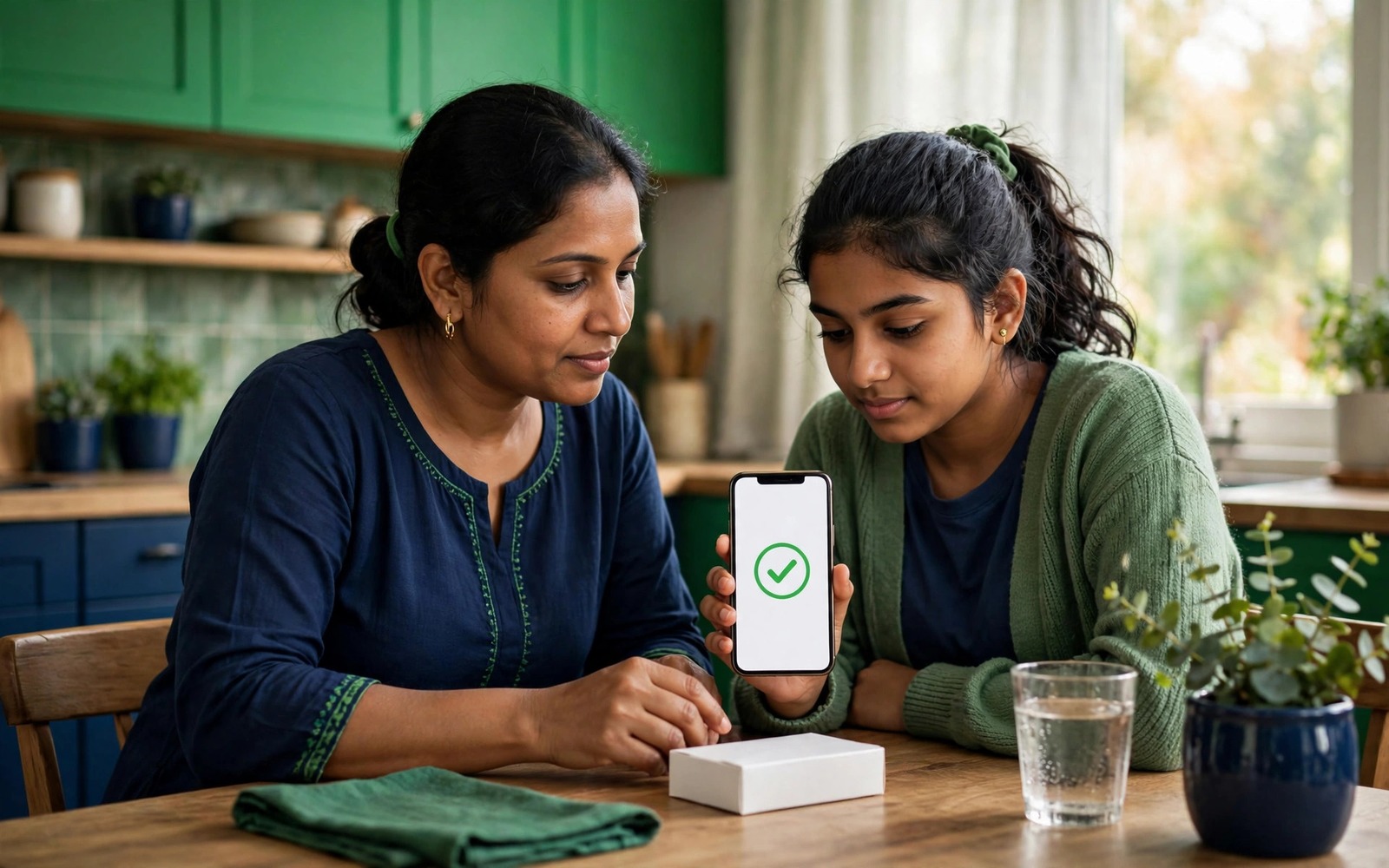
Most failed checks are input errors, not fakes. Serials often mix letters and numbers that look alike: O and 0, I and 1, S and 5, B and 8. If manual entry fails, try scanning instead, or decode the code with our 2D code decoder to see the exact serial it contains.
If the camera will not focus, move to brighter light, hold the phone 10–15 cm away and keep the code flat. Curved or shiny cartons scan better at a slight angle. If the site does not load, try again later; never switch to an unofficial 'verification' site.

As awareness of DRAP's portal grows, so do copycats. Fake 'verification' sites and apps can return a reassuring green tick for any code, or collect your phone number for scams. DrugTrace.pk is an independent information site: we link to the official portal but never pretend to be it.
Similar names, different jobs. Use both: the official portal for pack-level serial checks, and our free tools for everything the portal does not cover.
| drugtrace.dra.gov.pk (DRAP) | DrugTrace.pk (independent) | |
|---|---|---|
| Run by | Drug Regulatory Authority of Pakistan | Independent information service |
| Pack serial verification | Yes, official | No; we link you to DRAP |
| Fake batch alert search | Alerts published as notices | Searchable alert list and batch checker |
| Pack inspection & tools | No | Checklist, decoder, imprint finder |
| Plain-language guides | Regulatory documents | 23 guides |
Important
Copied codes can scan as valid. Always compare the returned product, batch and expiry with your carton, and look at the pack itself. Our how to identify fake medicine guide lists the visual signs.
Direct answers about drugtrace.dra.gov.pk.
Yes. It is DRAP's public portal for verifying serialised medicine packs. The official domain ends in .dra.gov.pk. DrugTrace.pk is a separate, independent site.
Patients verifying a pack generally do not need an account. Industry users (manufacturers, distributors, pharmacies) use separate login access for reporting.
The serial number (SN) printed beside the 2D DataMatrix code, not the batch number or registration number. Scanning the code fills it in automatically.
The product may not be serialised yet, you may have mistyped a look-alike character, or the code may be fake. Re-scan, then check the batch in our alert checker and ask the pharmacist.
Not on the portal. Instead check the batch against DRAP alerts, confirm the registration number and inspect the pack.
Yes, DRAP's Mehfooz Dawa app offers the same verification on Android and iOS. See our Mehfooz Dawa guide.
Updated 11 November 2026. DrugTrace.pk is independent and not affiliated with DRAP.
Topic hub
DRAP's official serial verification: Mehfooz Dawa, the portal and 2D codes.
Related topics
Using codesWhat DRAP's track-and-trace system (Mehfooz Dawa) does, how to use it, its limits today, and how DrugTrace.pk complements it.
5 min read
 Basics
What B.No, Mfg, Exp, Reg. No. and M.R.P. mean, where to find them, and how to read every date format.
5 min read
 Taking action
Exactly who to contact, what evidence to keep, and what happens after you report to DRAP.
4 min read