

01
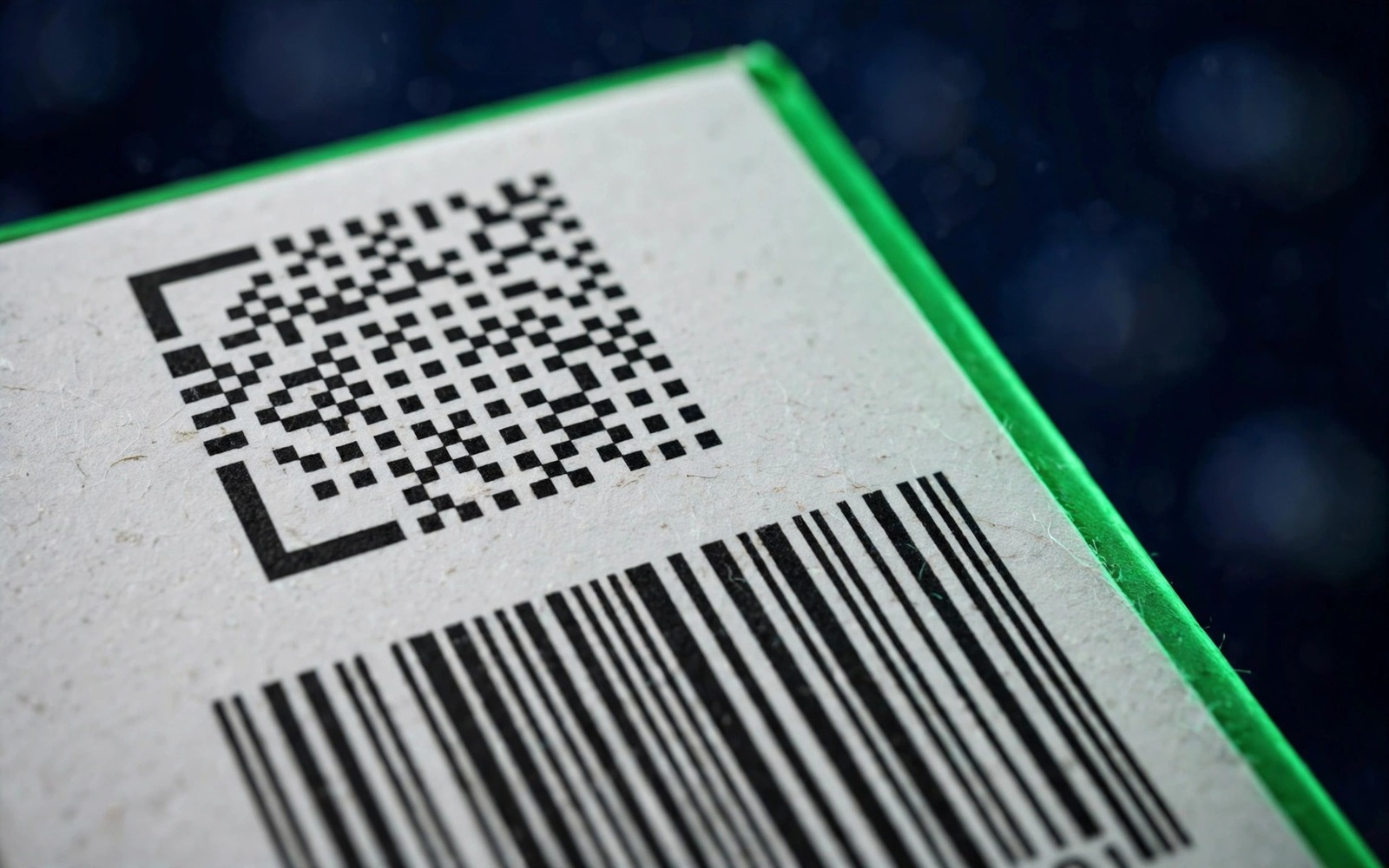
2D DataMatrix (scan this)
Small square, L-shaped solid border, dot pattern. Usually on a side panel or end flap.
Pakistan's Medicine Verification Platform· Independent, not part of DRAP
DRAP helpline: 0800-03727 Alerts updated Nov 11, 2026
Scan, read, act
Scanning takes seconds. Reading the result correctly is what protects you. This page walks through a Mehfooz Dawa check from start to finish, including the results that mean stop, and the fixes when a scan won't work.
Quick answer
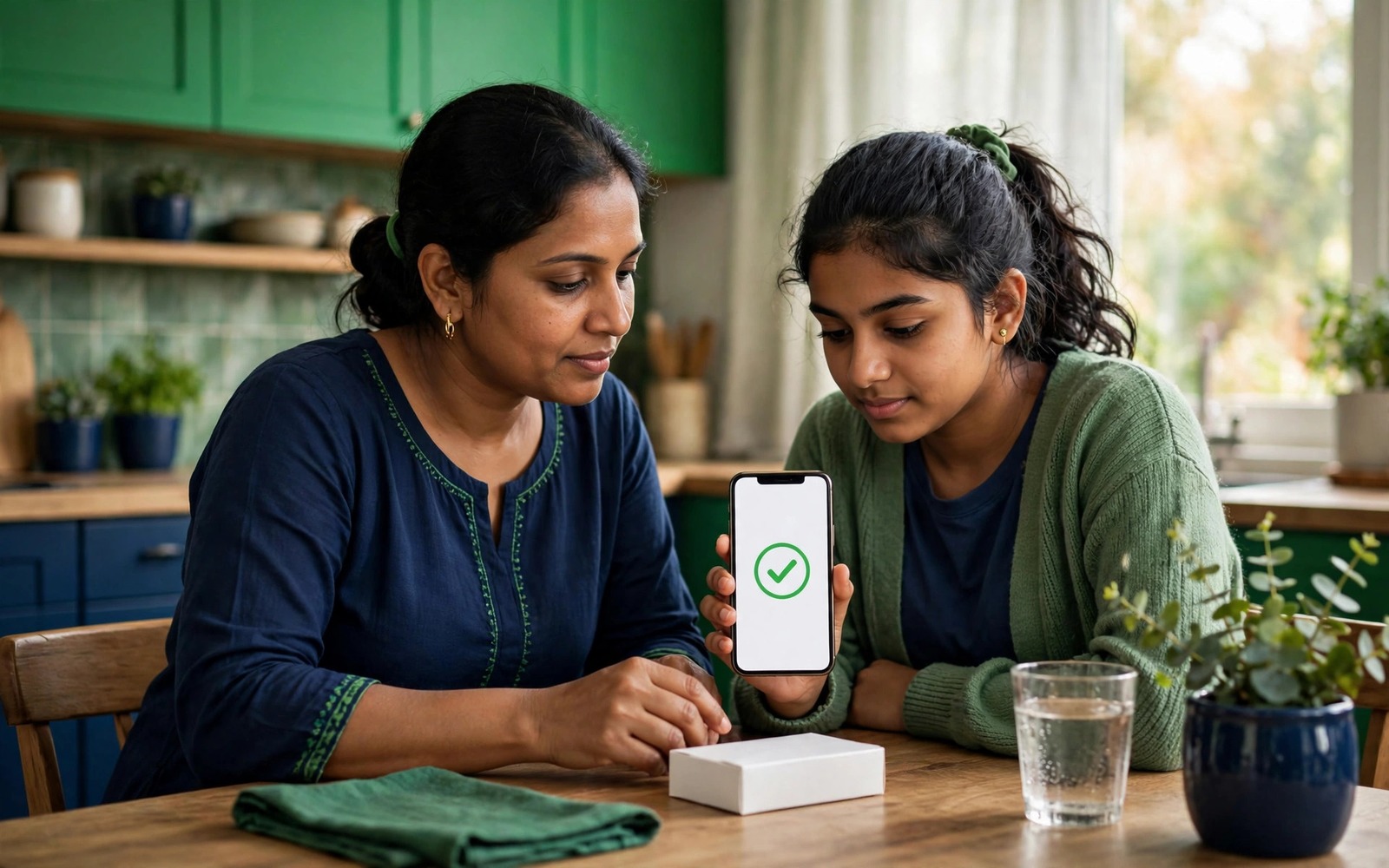
To do a Mehfooz Dawa check, open DRAP's Mehfooz Dawa app (or drugtrace.dra.gov.pk), scan the square 2D code on the medicine carton, then compare the product name, strength, batch and expiry shown with what's printed on the pack. Everything matching is a good sign. A mismatch, “not found” on a serialised pack, or an “already dispensed” warning means don't use it and report it to DRAP on 0800-03727.
Before you scan
Cartons can carry several codes. Mehfooz Dawa needs the 2D DataMatrix, a small square of dots, usually printed with GTIN, SN, batch and expiry beside it. Our GTIN guide explains each field.
01
Small square, L-shaped solid border, dot pattern. Usually on a side panel or end flap.
02
Vertical lines. Identifies only the product type, the same on every pack.
03
Three big corner squares, opens a website. Not used for official verification.
04
The serial printed beside the code. Type it manually if the scan fails.
05
B.No and Exp printed nearby. You'll compare these with the result.

06
The product may not be serialised yet. Use the batch alert check instead.
Step by step
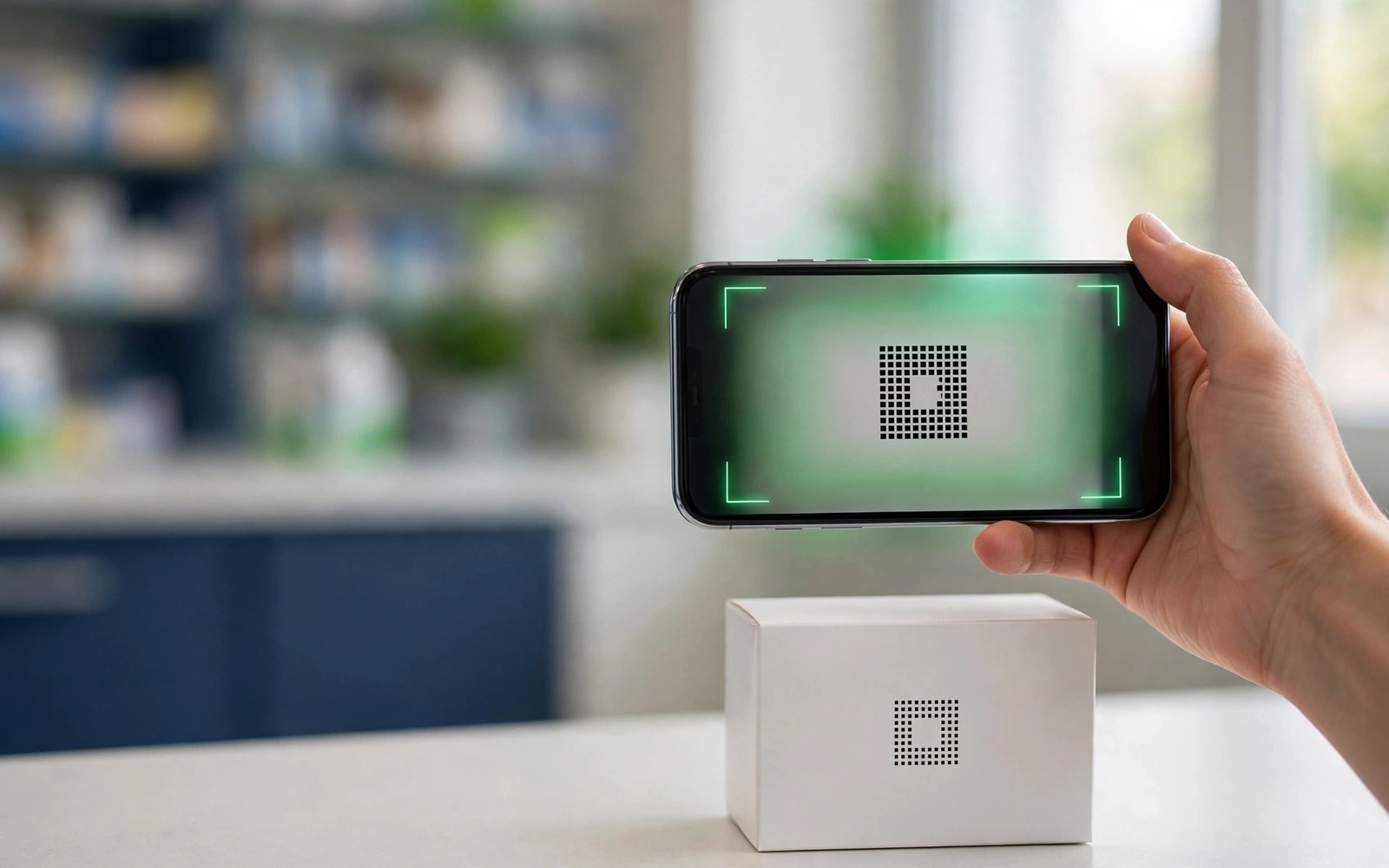
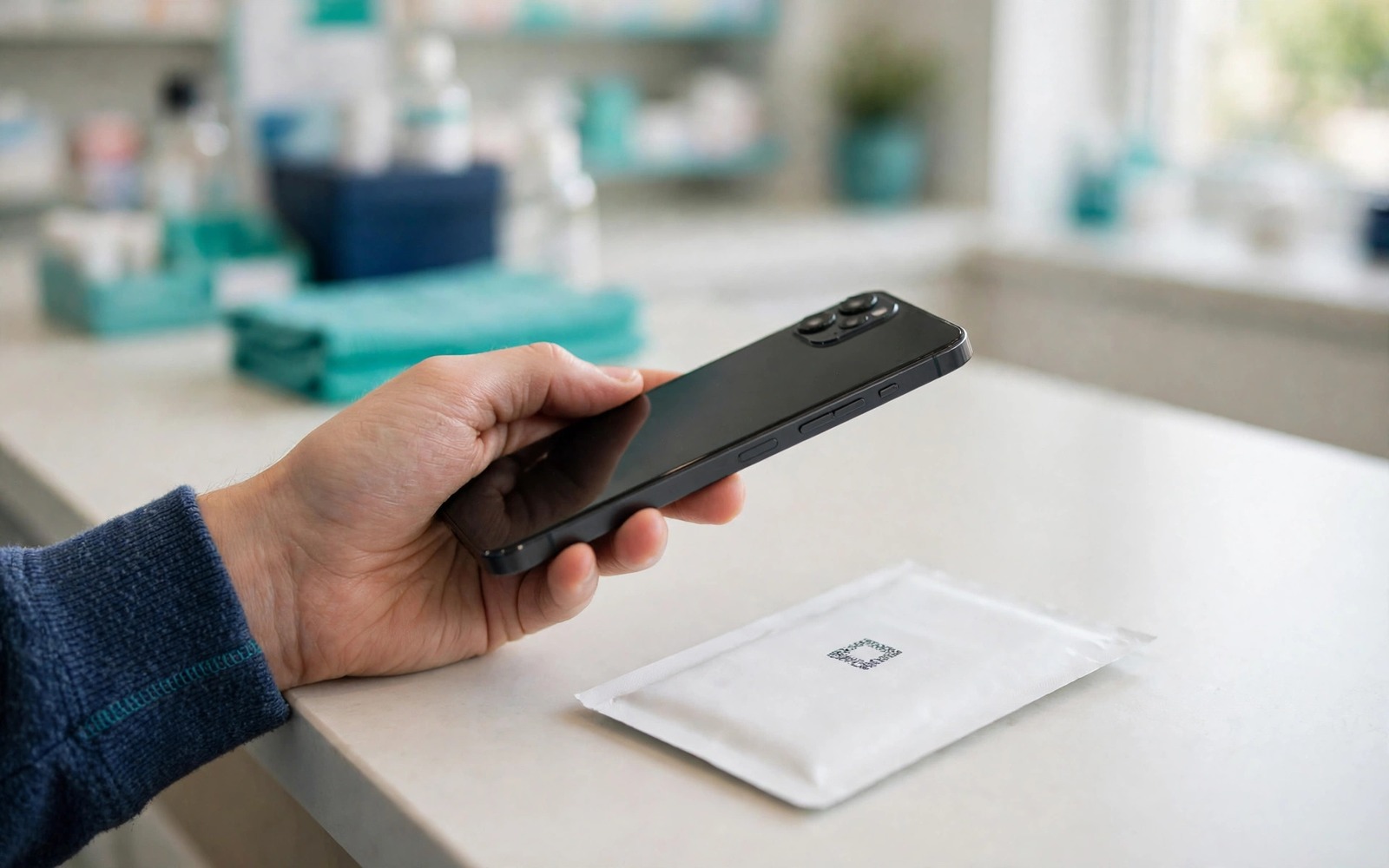
Launch Mehfooz Dawa (published by DRAP) or open drugtrace.dra.gov.pk and choose scan.
Good light, phone 10–15 cm away, code flat and filling about a third of the frame. Hold still for a second.
Product name & strength, batch, expiry and pack size must match the carton exactly.
Run the batch through our alert check and do a quick pack inspection.
Exact wording may change as DRAP updates the app, but results fall into these groups. Always read the details, not just the colour.
Most scan failures are about light, distance or the wrong code. Try these in order before assuming the pack is fake:
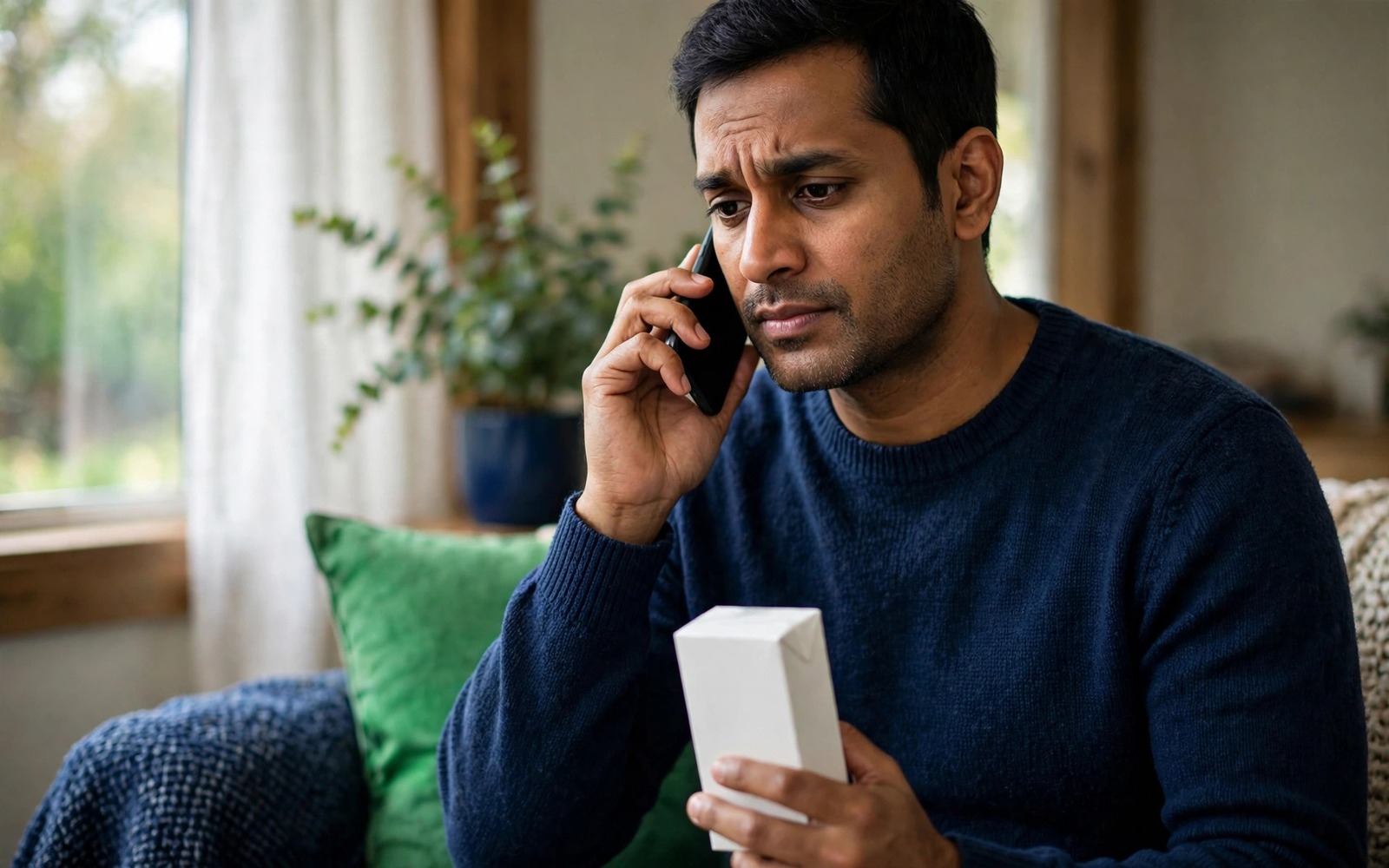
Stop using the medicine and keep everything: carton, strips, leaflet and receipt. Take a screenshot of the result. If anyone has already taken it and feels unwell, see a doctor; our guide on what to do if you took fake medicine explains what to watch for.
Then report it: call DRAP on 0800-03727 or use the online complaint form, and tell the pharmacy. Our DRAP helpline page lists exactly what to say.
Quick reference you can screenshot.
| Result | Risk | Action |
|---|---|---|
| Verified + details match | Low | Inspect pack, then use as prescribed |
| Verified + details differ | High | Stop; report |
| Not found (serialised pack) | High | Recheck, ask pharmacist, report |
| Already dispensed | High | Don't use; report |
| No 2D code on pack | Unknown | Batch check + checklist |
Important
It's far easier to swap a pack at the counter than to come back later. Scan, compare, and if anything is off, ask the pharmacist for a different pack straight away.
Direct answers about Mehfooz Dawa check.
Open the app, scan the 2D code on the carton and compare the product, batch and expiry shown with the pack.
The product may not be serialised yet, the serial may be mistyped, or the code may be fake. Recheck and ask the pharmacist.
Yes. Use drugtrace.dra.gov.pk in your browser, or enter the serial manually.
The same serial has been recorded as sold or scanned before, which can mean a copied code. Don't use the pack until resolved. See also: Mehfooz Dawa app.
It's strong evidence when all details match, but also inspect the pack and check the batch against alerts.
Updated 11 November 2026. DrugTrace.pk is independent and not affiliated with DRAP.
Topic hub
DRAP's official serial verification: Mehfooz Dawa, the portal and 2D codes.
Related topics
 Using codes
What DRAP's track-and-trace system (Mehfooz Dawa) does, how to use it, its limits today, and how DrugTrace.pk complements it.
5 min read
 Using codes
What the barcode on your medicine can and cannot prove, how to scan the new 2D codes, and how to spot a copied or mismatched code.
6 min read
 Taking action
Exactly who to contact, what evidence to keep, and what happens after you report to DRAP.
4 min read